 Soon Enough
A countdown app for macOS
Something to look forward to, always in view.
Soon Enough counts the days to your trips, birthdays, launches and holidays, and keeps them in your menu bar and on your desktop where you’ll actually see them.
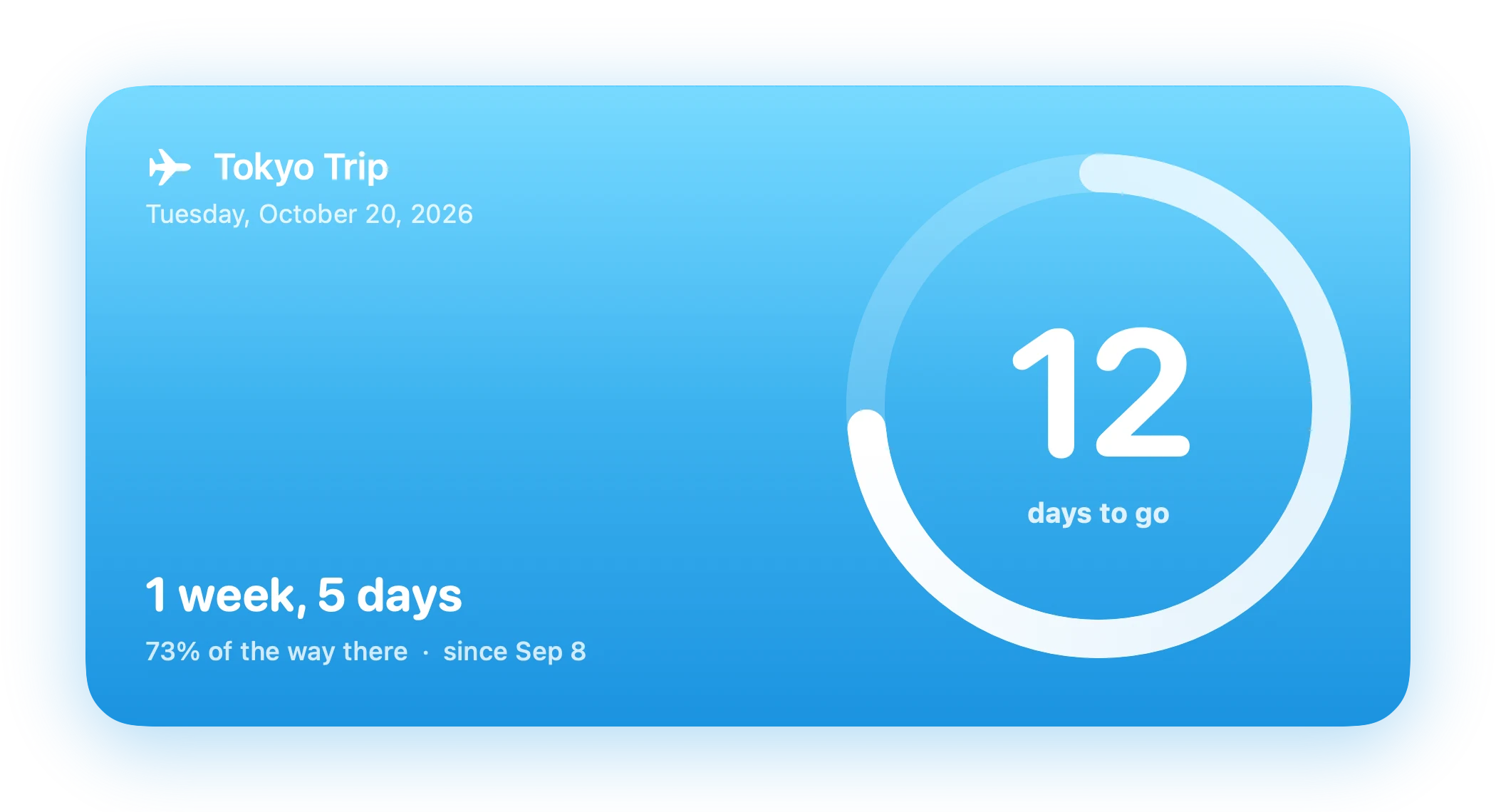
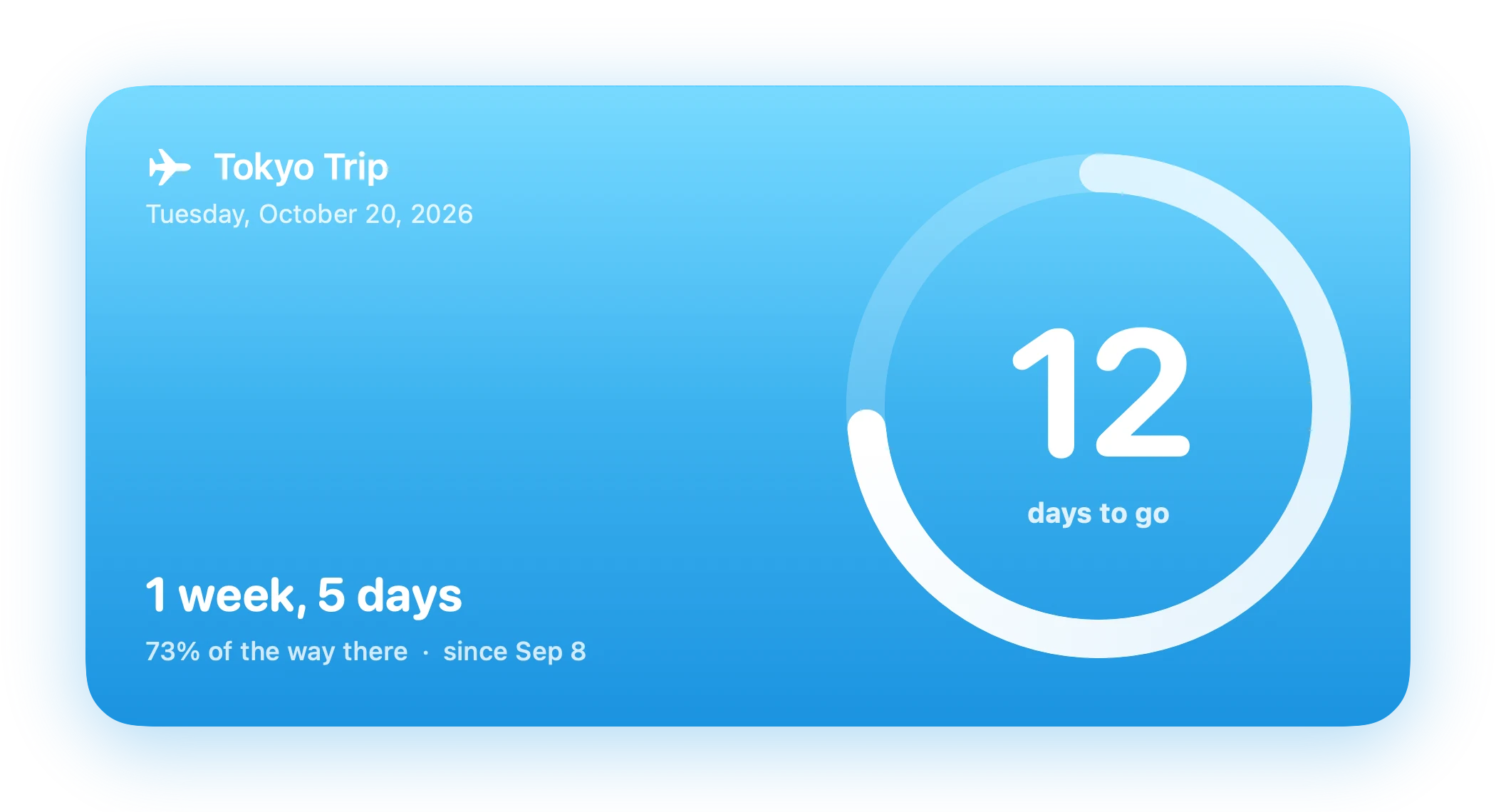
The Ring widget, counting down live
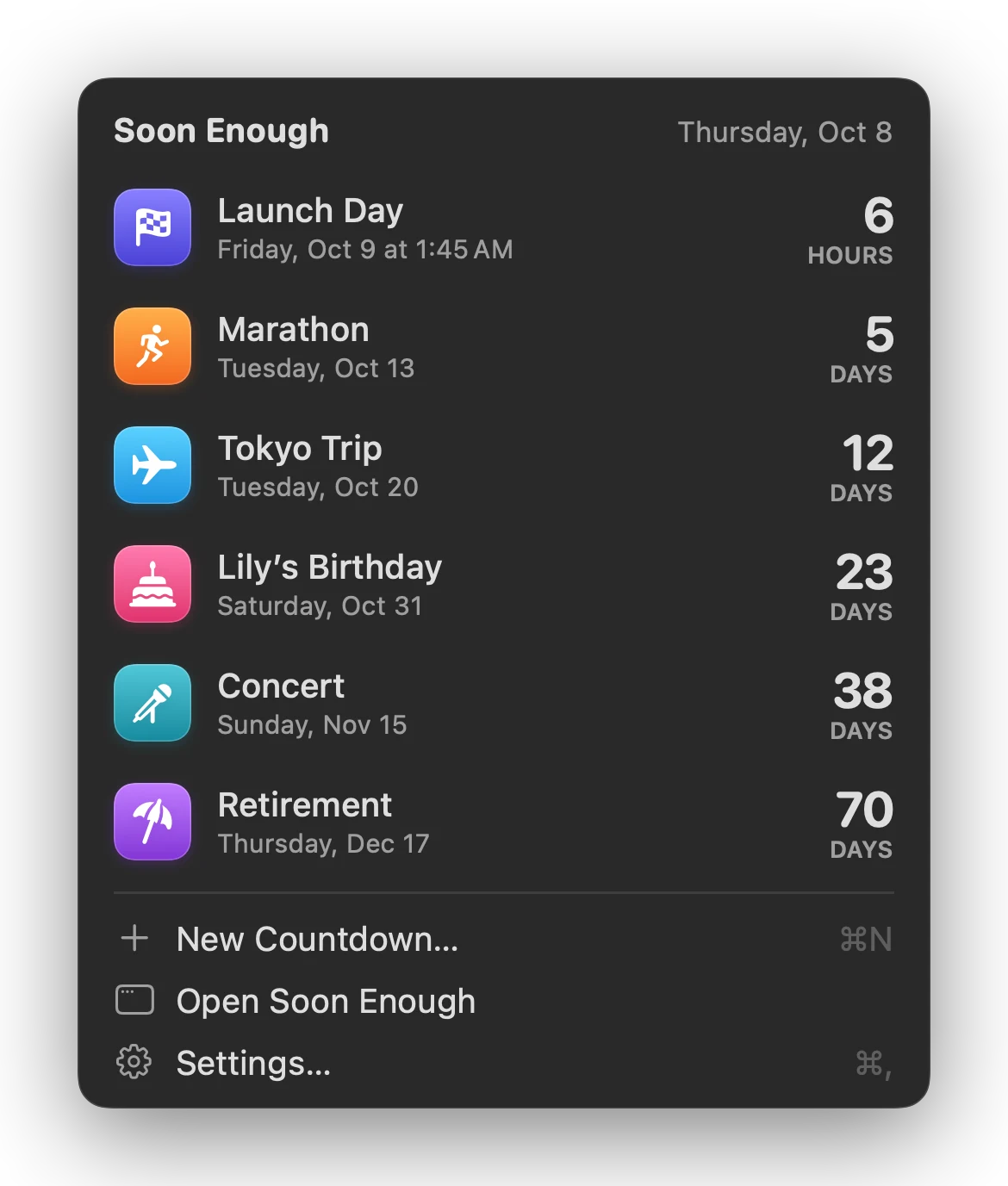
Menu bar
The next big day, one glance up.
Your soonest countdown sits right in the menu bar. Click it for the whole list, with the days left for each.
Show as much or as little as you likeJust the hourglass, the days left, or the title and days. Pin one countdown there, or let Soon Enough show whatever’s next.
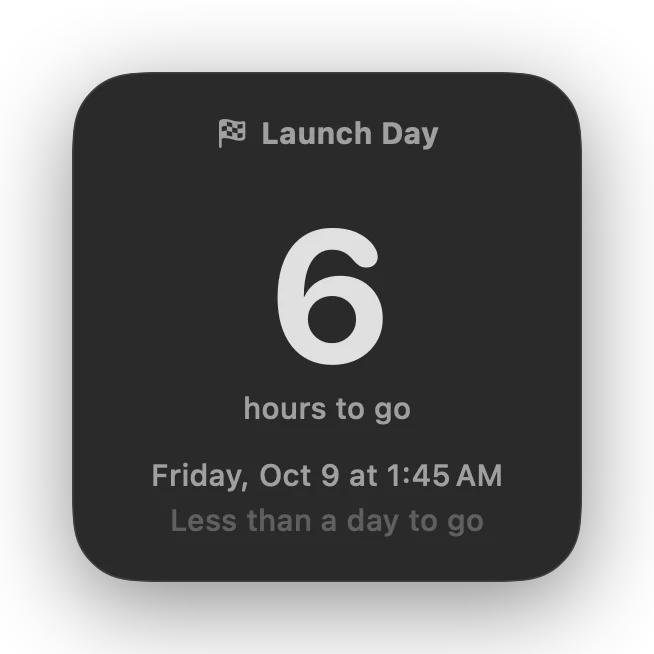
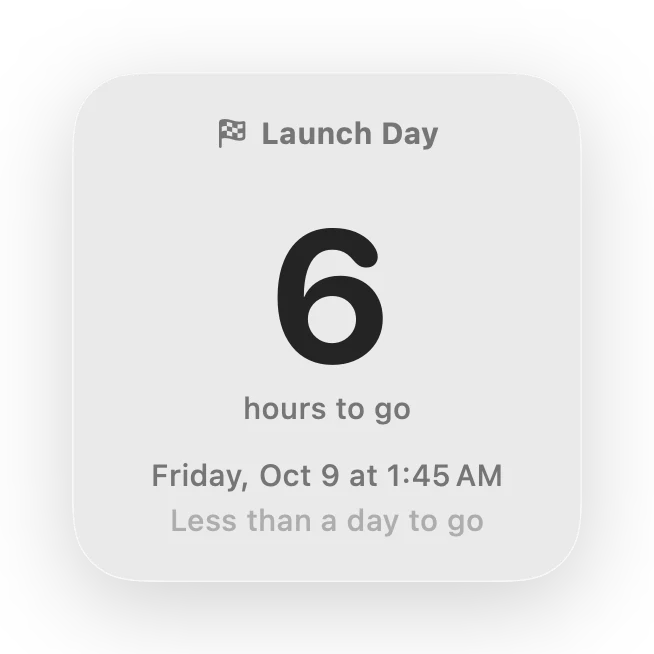
Hours on the last dayWhen a timed countdown is less than a day away, the count switches to hours.
Hide the Dock iconRun Soon Enough entirely from the menu bar, and have it open at login.
Desktop widgets
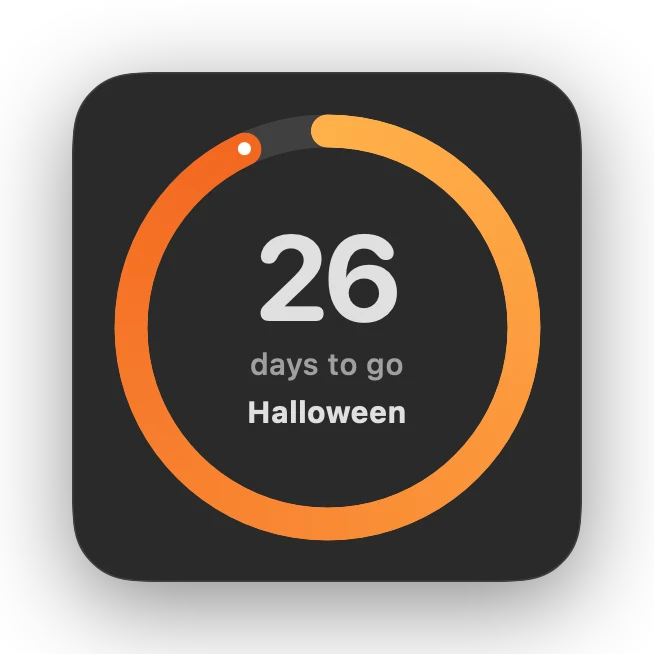
Widgets that belong on your desktop.
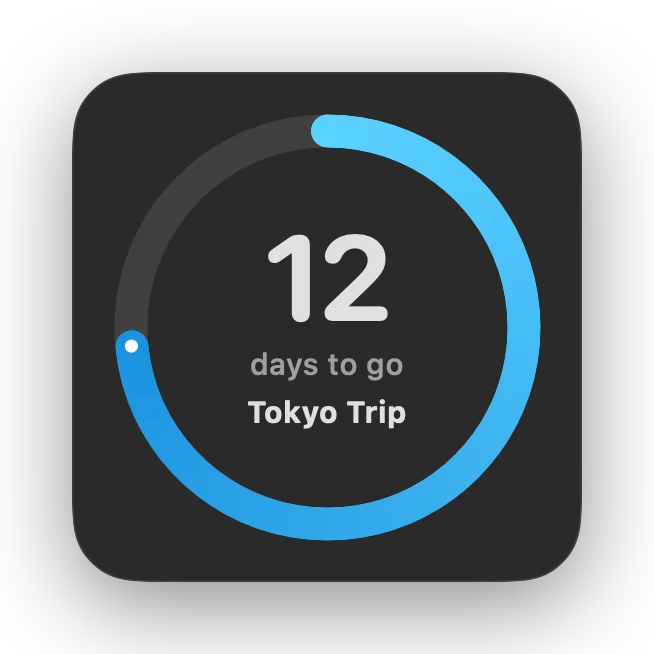
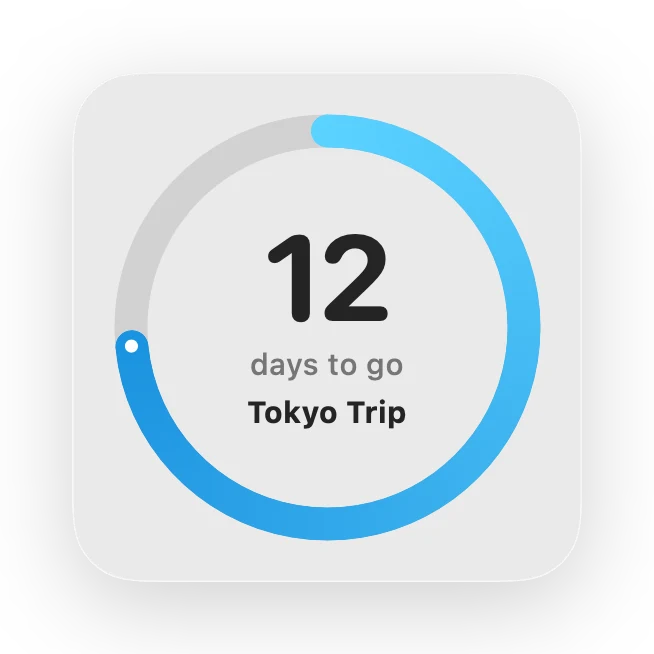
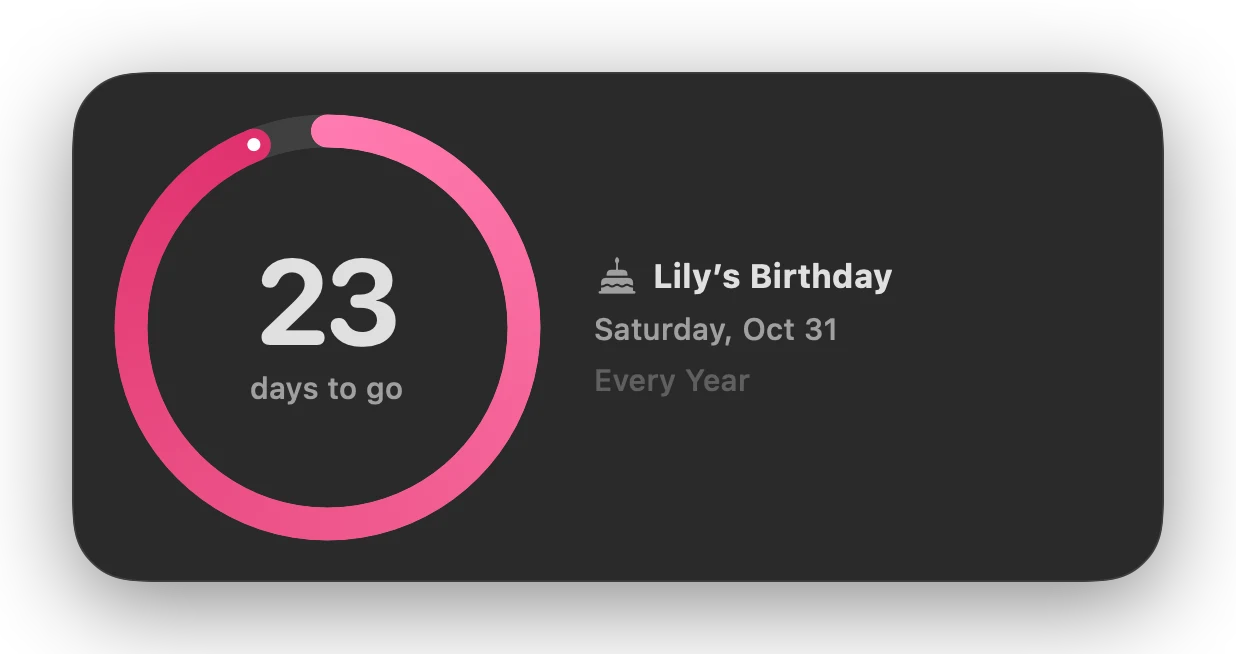
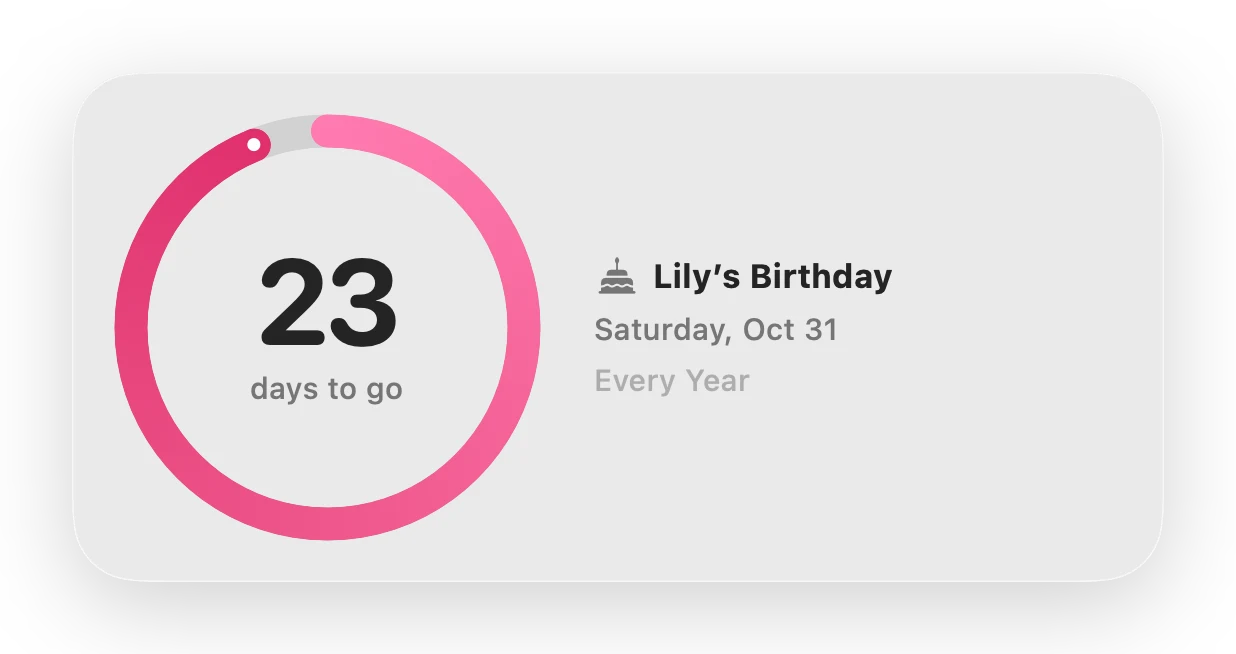
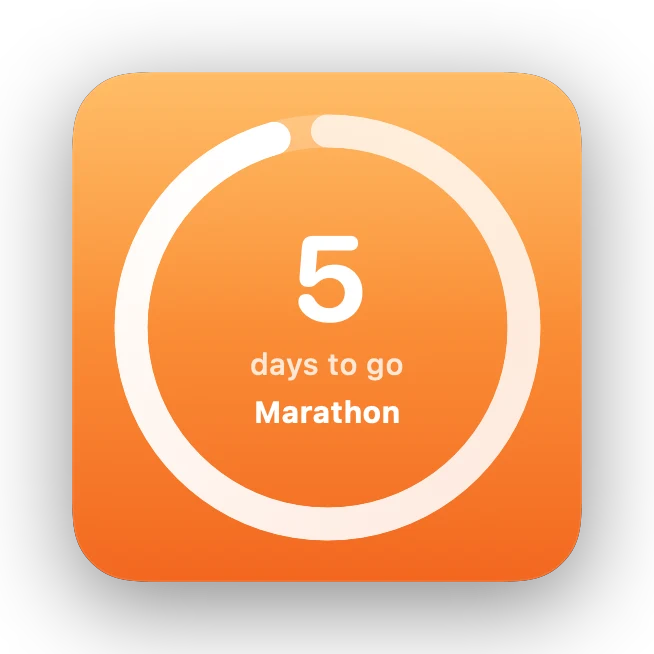
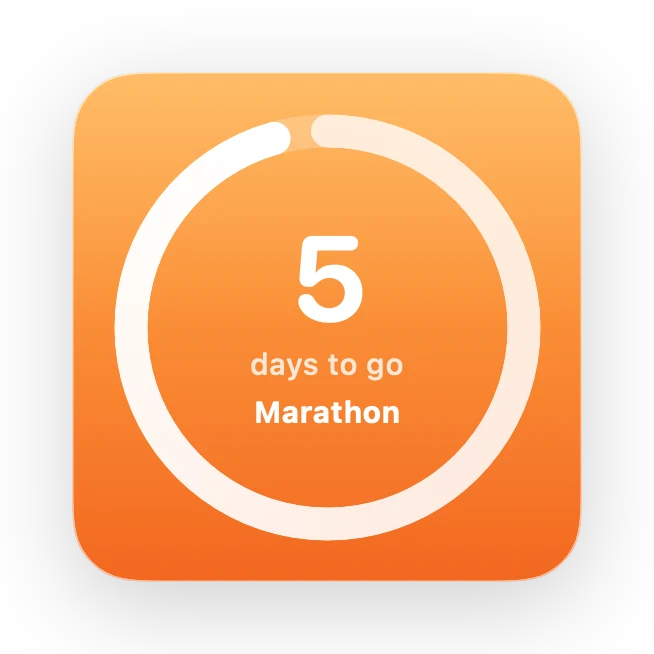
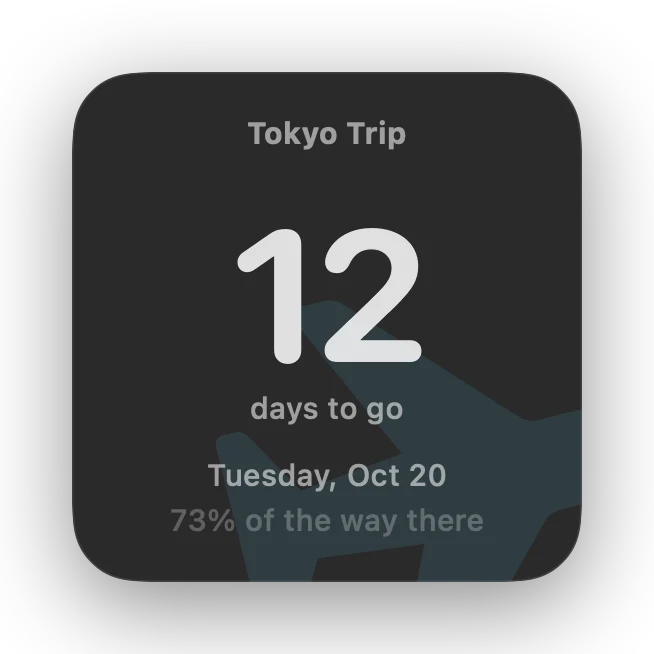
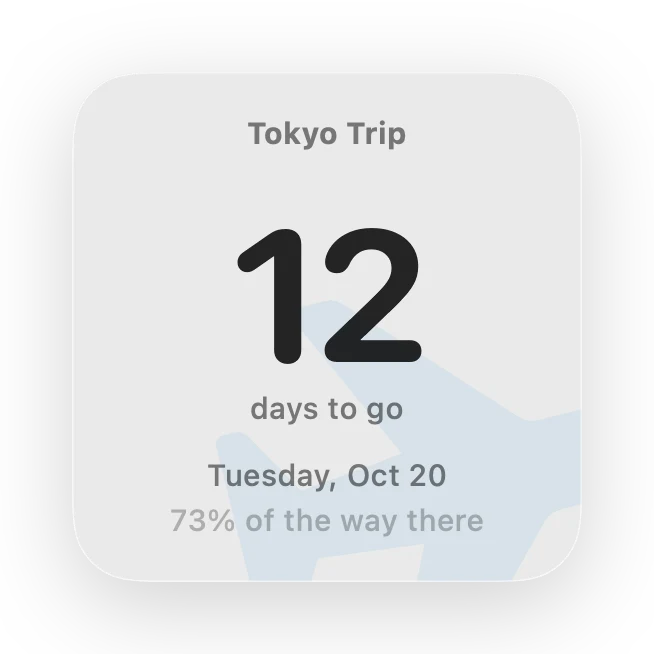
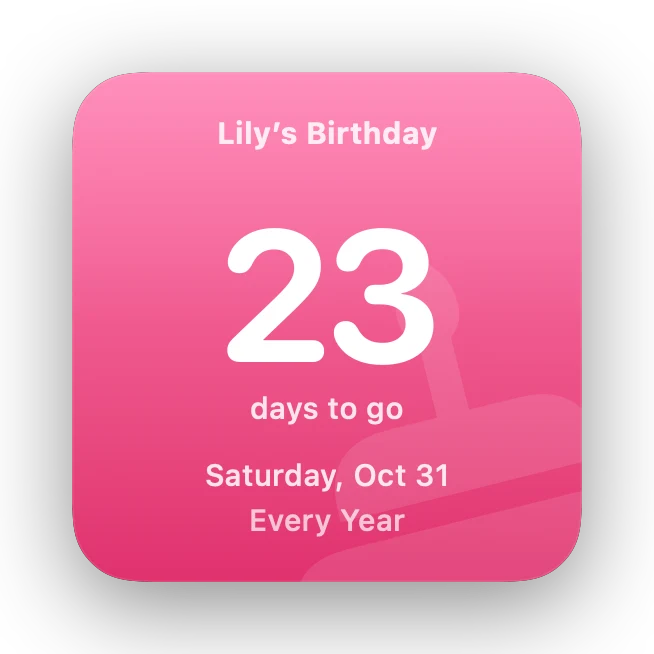
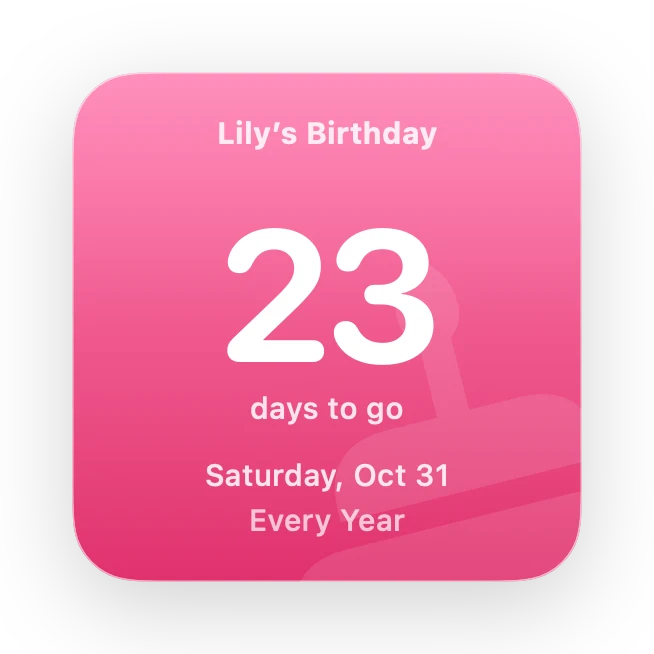
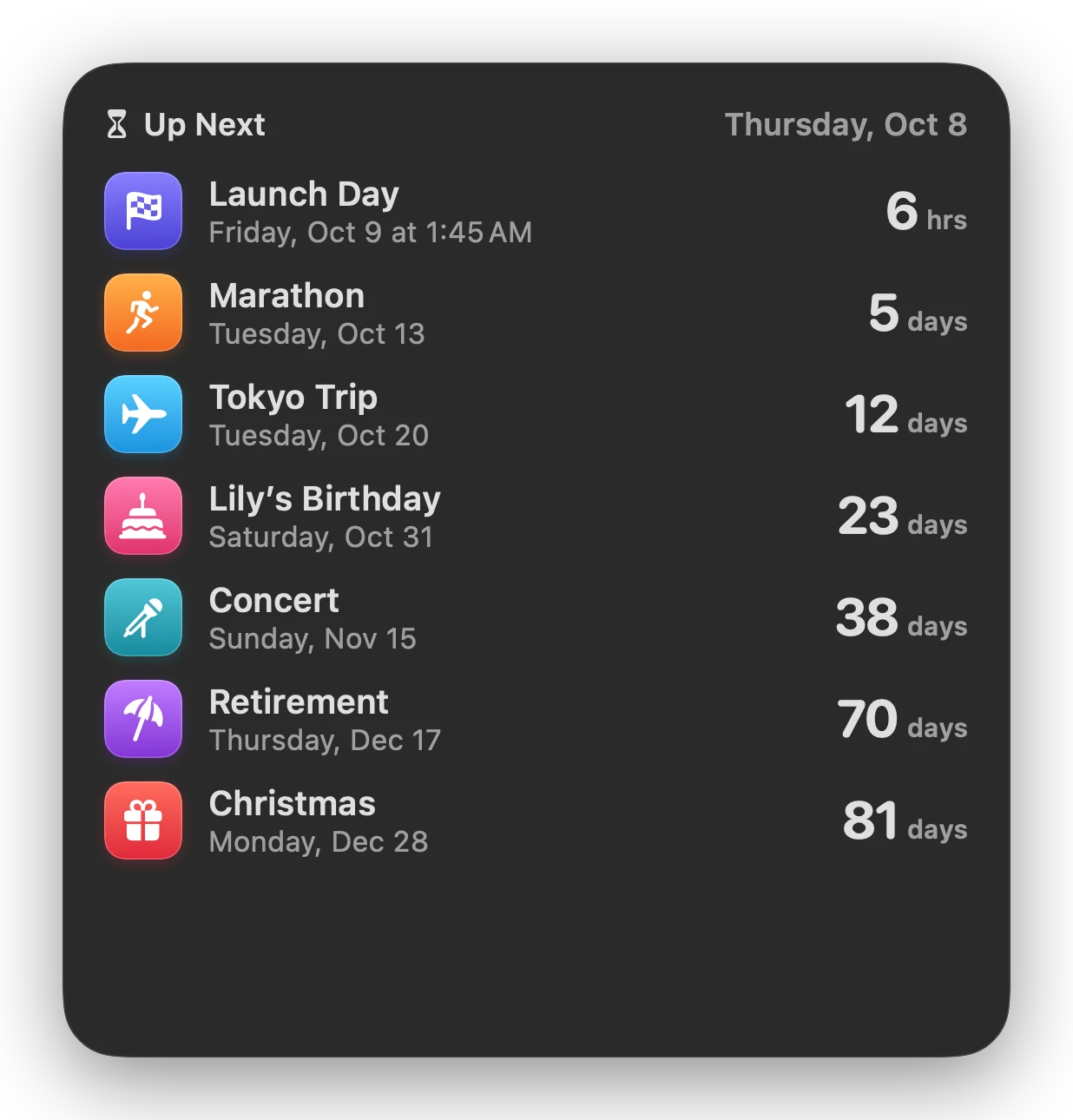
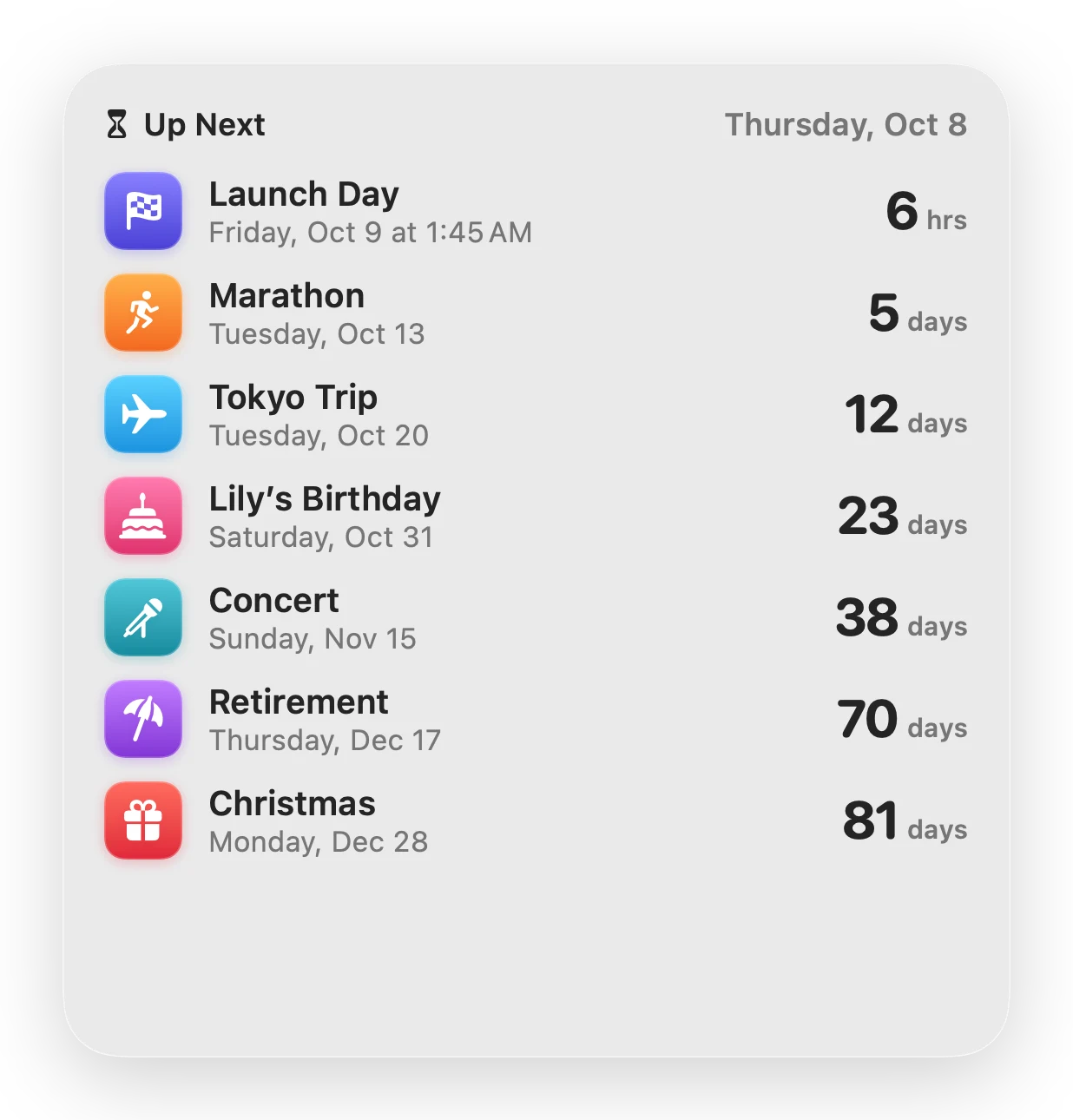
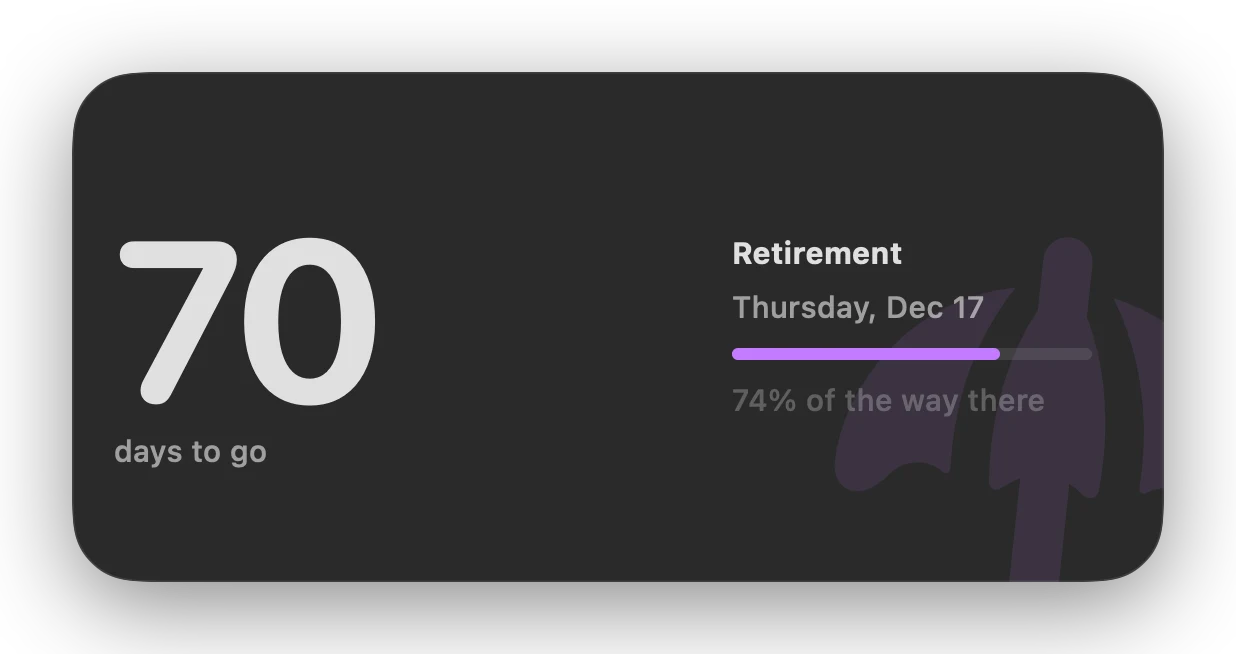
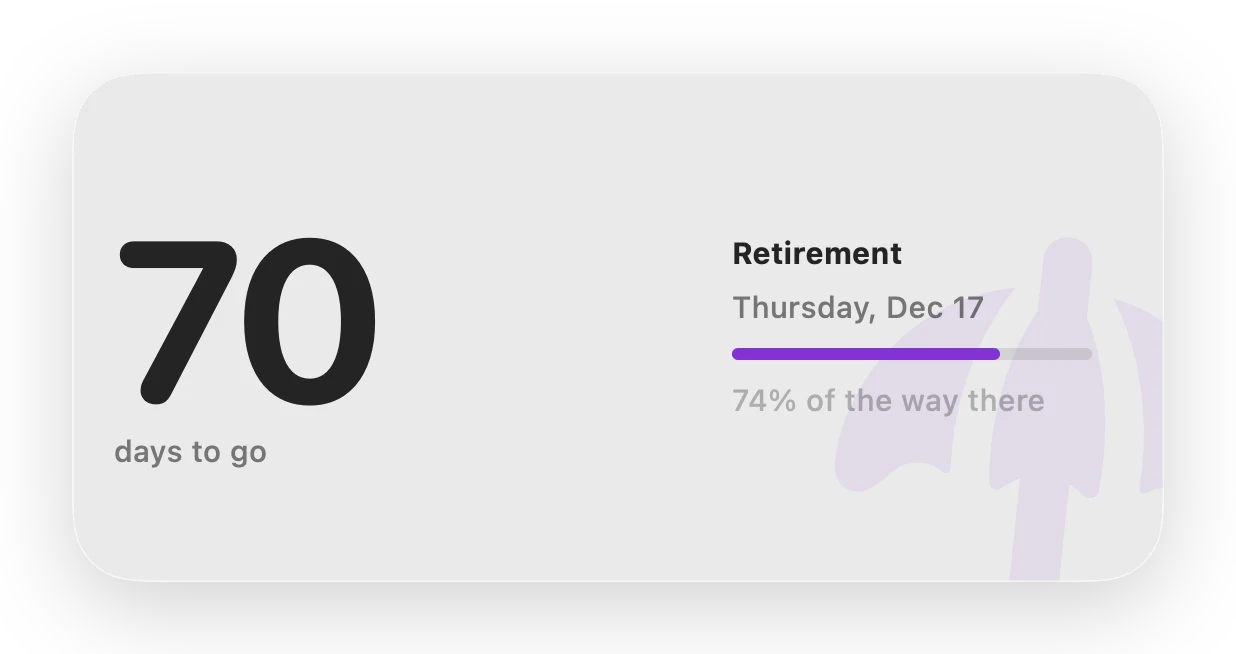
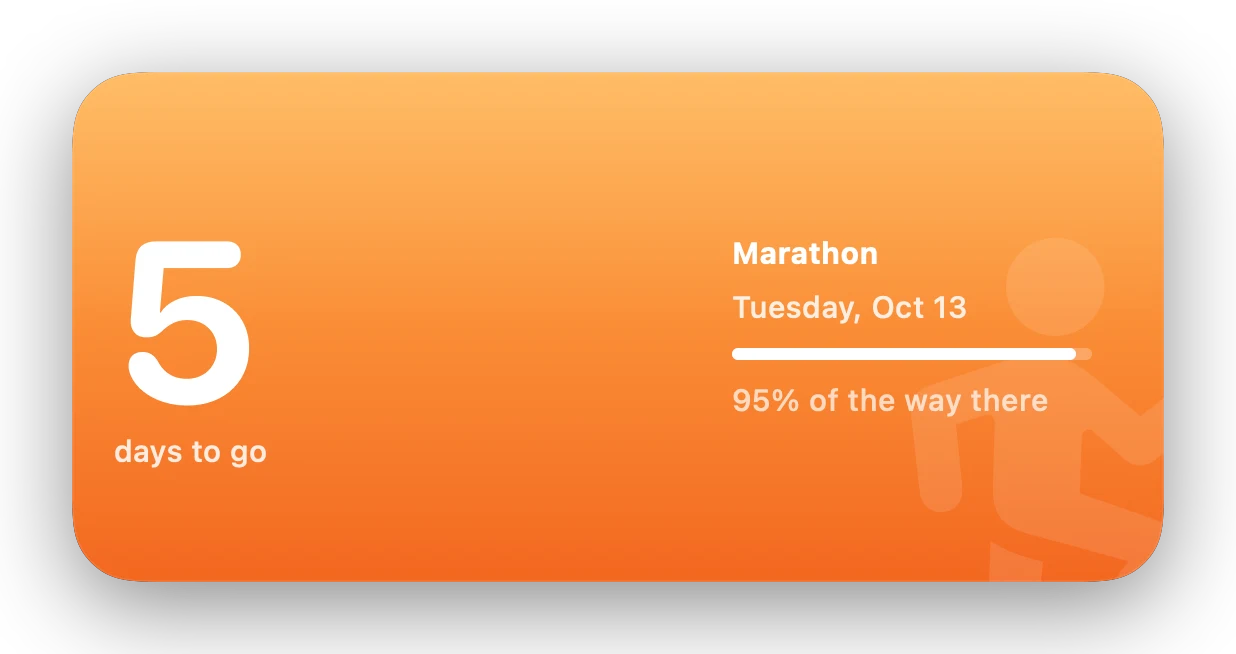
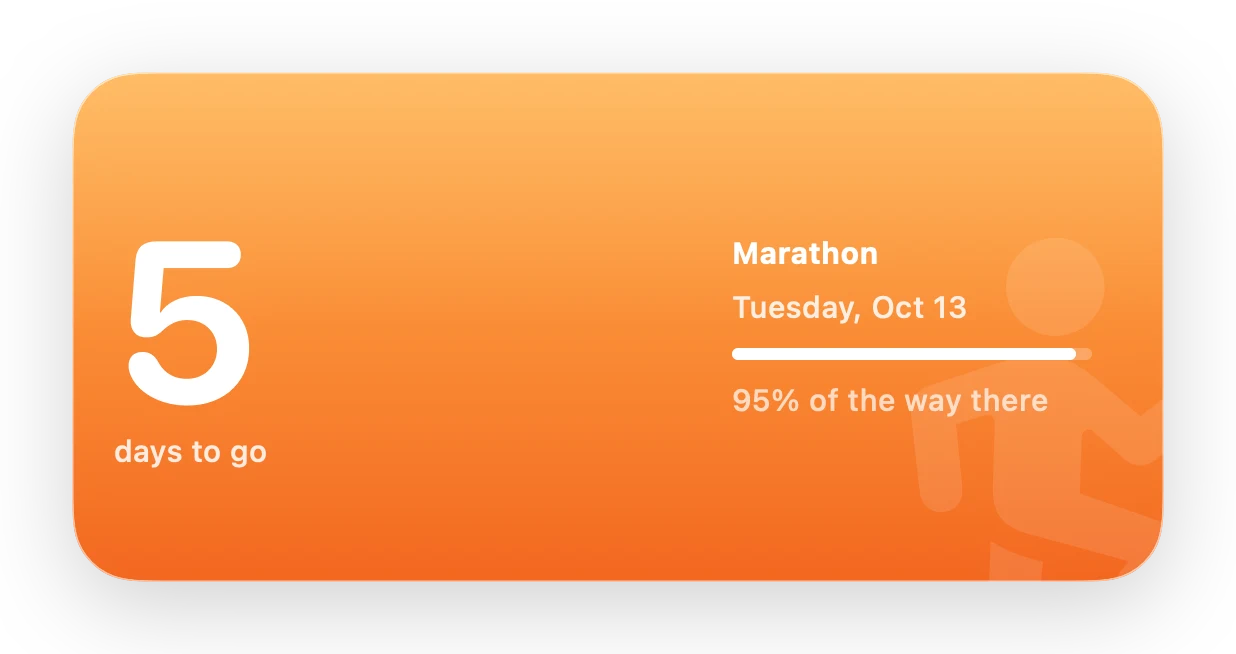
Pick one countdown or show what’s next, then choose a style and a background: a big number or a ring that fills as the day gets closer, on a plain background, the countdown’s color, or your own photo.
The app
A window worth opening.
Every countdown gets its own card: the days left inside a ring that fills as the date gets closer, with the time left ticking every second underneath.
Make it yours
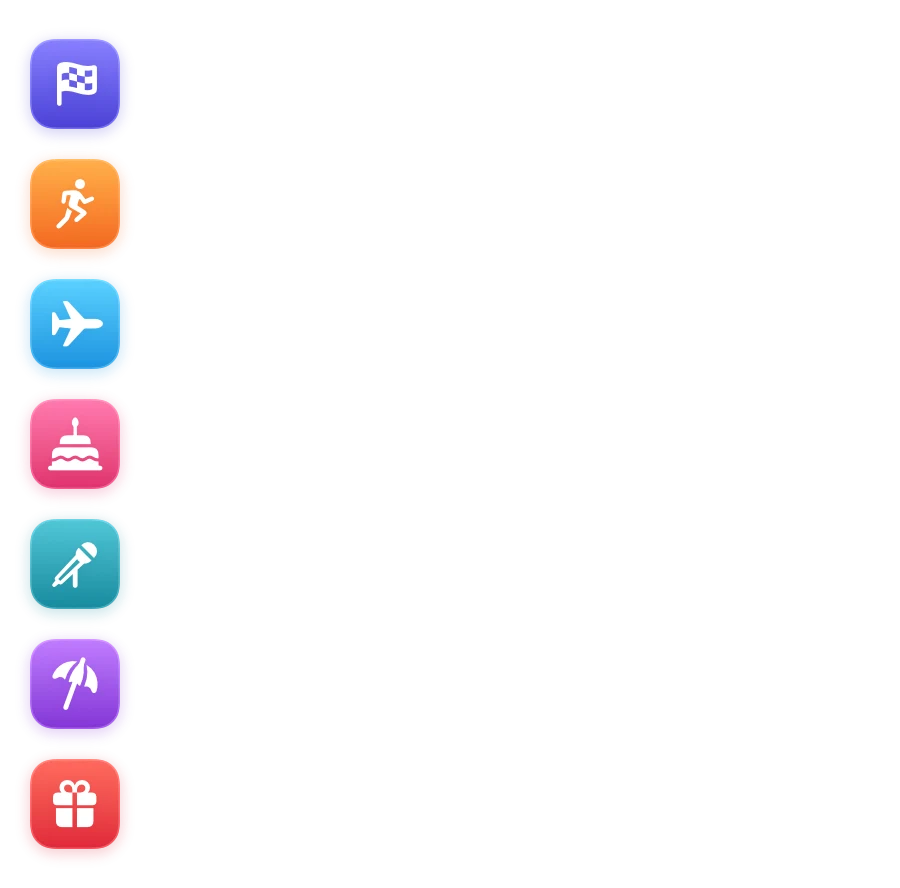
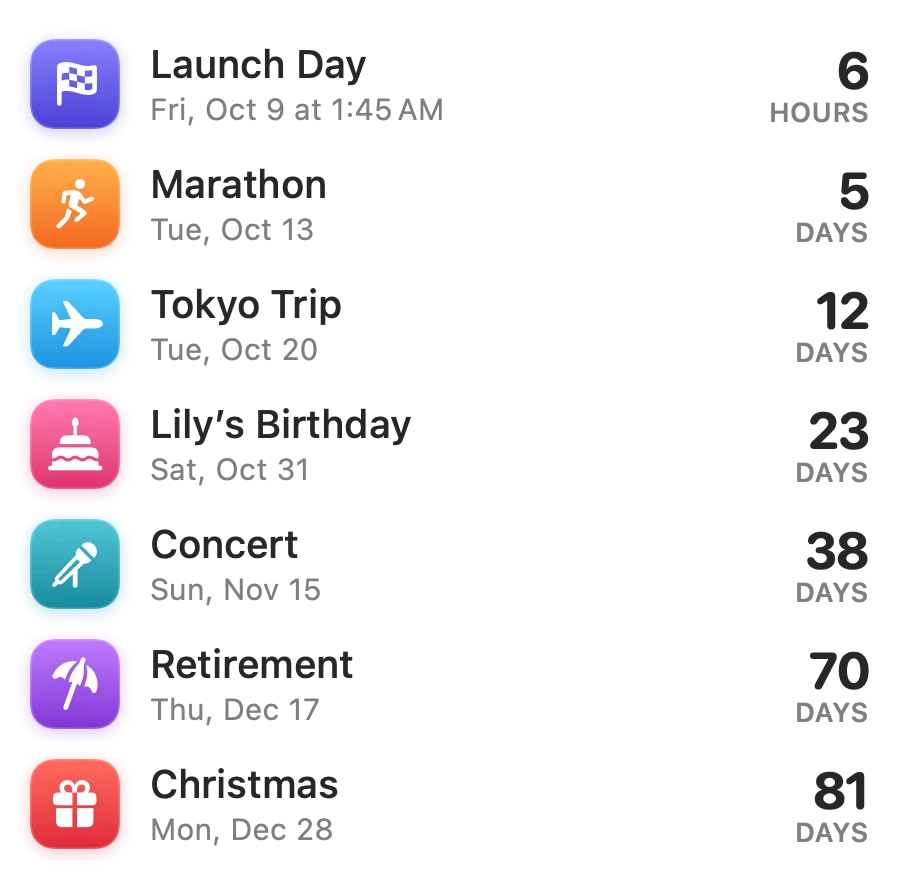
Fourteen colors. 6,500 symbols.
Give each countdown a color and a symbol. Search Apple’s SF Symbols by name or by what they mean: type “birthday” and you’ll get the cake and the gift.
Birthdays and anniversaries repeat, and roll over to next year on their own.

Details
The small things, done properly.
Reminders on the day
Get a notification on the day, the day before, or both, at the time you choose. Timed countdowns alert the moment they begin.
Stays on your Mac
No account. Your countdowns are a small file on your Mac. Soon Enough only goes online to check your license, look for updates, and sync through your own iCloud if you want.
Undo everything
Deleted the wrong countdown or changed a date by mistake? ⌘Z puts it back.
Built for VoiceOver
Every list row, widget and card reads as one clear sentence: “Tokyo Trip, in 12 days, Saturday, October 17.” Reduce Motion is respected.
Light and dark
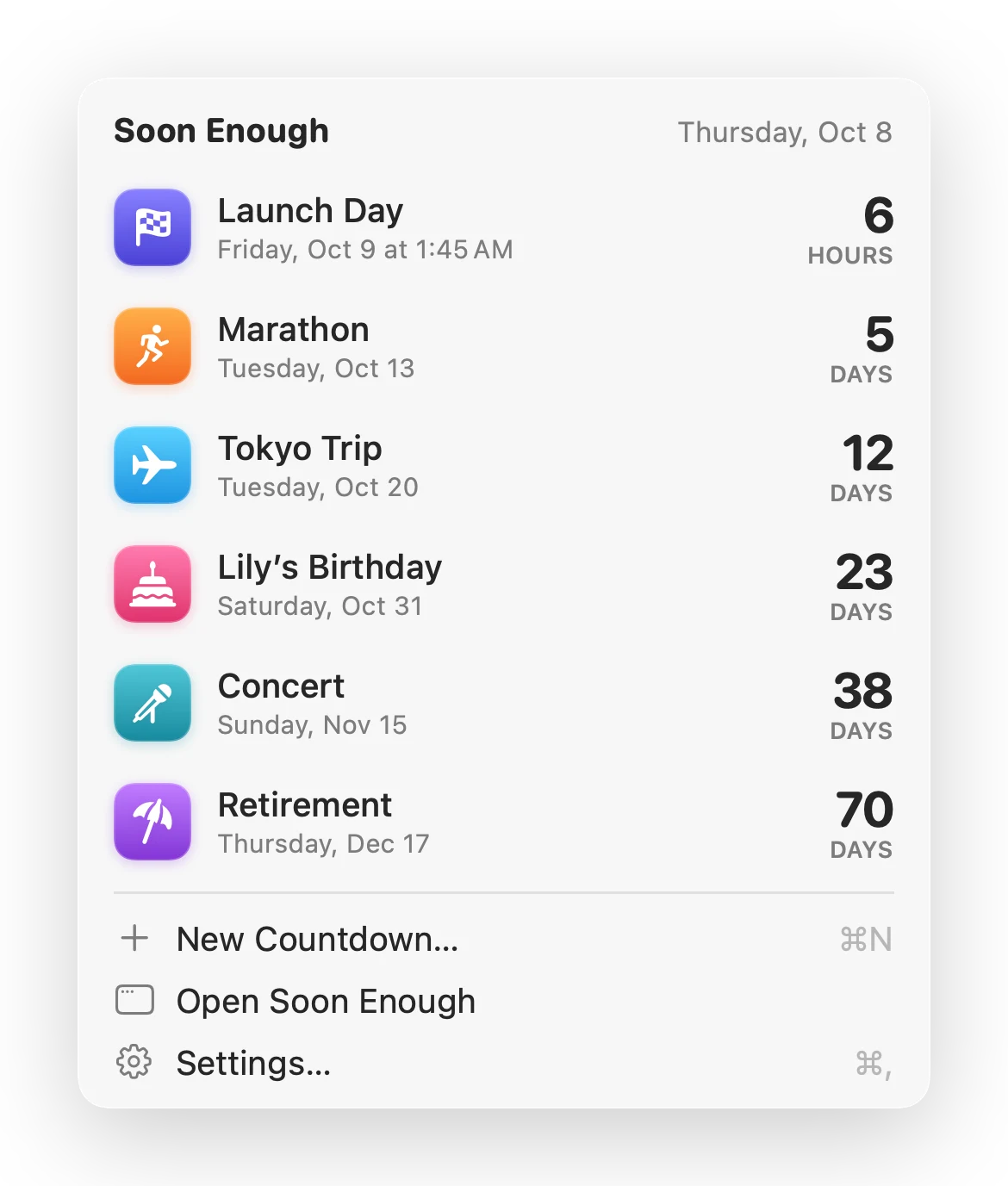
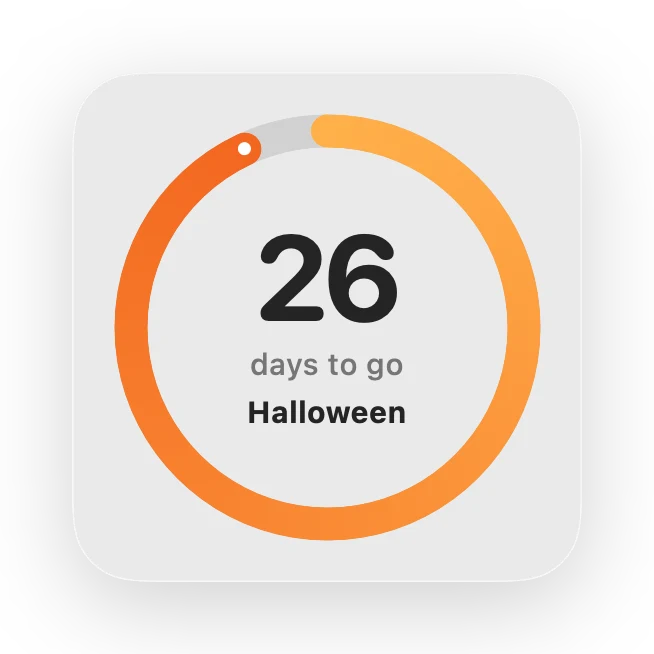
Everything follows your Mac’s appearance, including the widgets’ Standard style.
Truly native
Written in Swift for macOS, with keyboard shortcuts for everything: ⌘N for a new countdown, ⌘E to edit, ⌘D to duplicate.
What are you counting down to?
Coming soon enoughFree for 7 days, then $9.99 once · use it on up to 3 Macs
macOS 15 Sequoia or later · Apple silicon and Intel
What’s new
Soon Enough 2.0
- Free 7-day trial, then a one-time $9.99 for up to three Macs.
- Automatic updates, a full Help guide, and a new About window.
- Soon is now Soon Enough. Your countdowns, photos and settings come along.
- Every emoji on your Mac to choose from, searchable by name.
- Long event names wrap to two lines in widgets instead of being cut off.
- Widgets for a deleted countdown say so instead of switching to another event.
- In a countdown’s final hour the ring sweeps around minute by minute.
- Much lighter on your Mac: no more per-second updates.
Also by Bruce
Other things I’ve built.
Same approach as Soon Enough: native Mac apps that do one job and stay out of the way.

LibreBar
Your FreeStyle Libre glucose in the Mac menu bar: the live reading, trend arrow, a 12-hour chart, desktop widgets, and optional alerts.
librebar.app →
Overhead
See what’s flying over your location. Every aircraft near your home, live on a map, with desktop widgets and fly-over alerts.
seeoverhead.app →